
在Eclipse中创建MapReduce项目
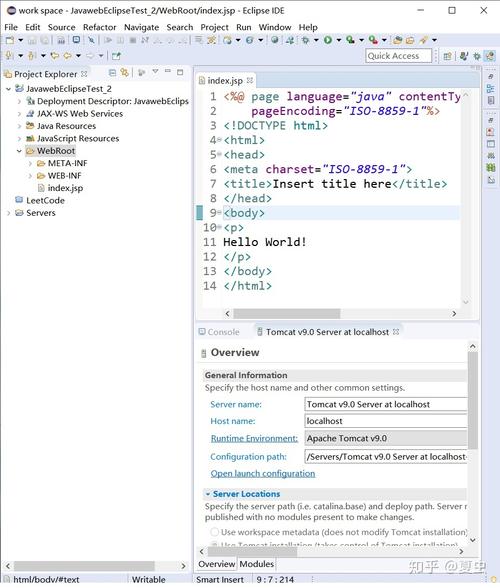

准备工作
1、安装Java: 确保你的机器上安装了Java Development Kit (JDK)。
2、安装Eclipse IDE: 下载并安装最新版本的Eclipse。
3、安装Hadoop插件: 在Eclipse Marketplace中搜索并安装与Hadoop相关的插件。
步骤一:创建新的Java项目
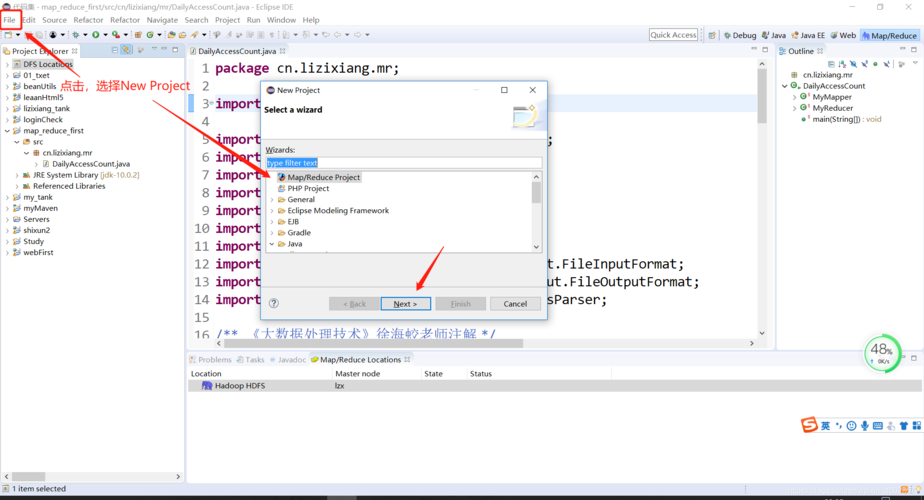
1、打开Eclipse,点击菜单中的File > New > Java Project。
2、输入项目名称,MyMapReduceProject”。
3、选择适当的JRE版本,然后点击Finish完成项目的创建。
步骤二:添加MapReduce依赖库
1、右键点击项目名,选择Properties。
2、在左侧导航栏中选择Java Build Path,切换到Libraries
3、点击Add External JARs,浏览到你的Hadoop安装目录下的lib文件夹,选择所有jar文件添加至项目中。
步骤三:编写Map函数
1、在项目中创建一个新的Java类,命名为MyMapper。
2、实现org.apache.hadoop.mapreduce.Mapper接口。
public class MyMapper extends Mapper<LongWritable, Text, Text, IntWritable> {
    private final static IntWritable one = new IntWritable(1);
    private Text word = new Text();

    public void map(LongWritable key, Text value, Context context) throws IOException, InterruptedException {
        StringTokenizer itr = new StringTokenizer(value.toString());
        while (itr.hasMoreTokens()) {
            word.set(itr.nextToken());
            context.write(word, one);
        }
    }
}
步骤四:编写Reduce函数
1、同样地,创建一个新的Java类,命名为MyReducer。
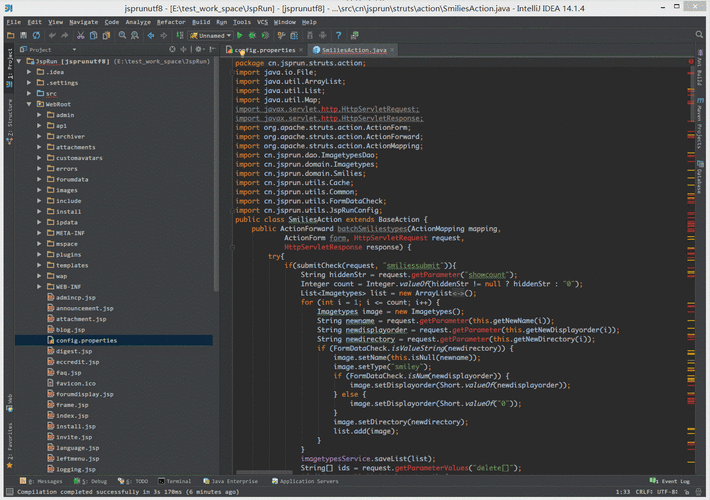
2、实现org.apache.hadoop.mapreduce.Reducer接口。
public class MyReducer extends Reducer<Text, IntWritable, Text, IntWritable> {
    private IntWritable result = new IntWritable();

    public void reduce(Text key, Iterable<IntWritable> values, Context context) throws IOException, InterruptedException {
        int sum = 0;
        for (IntWritable val : values) {
            sum += val.get();
        }
        result.set(sum);
        context.write(key, result);
    }
}
步骤五:配置和运行MapReduce作业
1、创建一个新类MyMapReduceDriver来配置和运行MapReduce作业。
public class MyMapReduceDriver {
    public static void main(String[] args) throws Exception {
        Configuration conf = new Configuration();
        Job job = Job.getInstance(conf, "word count");
        job.setJarByClass(MyMapReduceDriver.class);
        job.setMapperClass(MyMapper.class);
        job.setCombinerClass(MyReducer.class);
        job.setReducerClass(MyReducer.class);
        job.setOutputKeyClass(Text.class);
        job.setOutputValueClass(IntWritable.class);
        FileInputFormat.addInputPath(job, new Path(args[0]));
        FileOutputFormat.setOutputPath(job, new Path(args[1]));
        System.exit(job.waitForCompletion(true) ? 0 : 1);
    }
}
步骤六:打包和上传项目
1、在Eclipse中右键点击项目,选择Export...。
2、选择Runnable JAR file,点击Next。
3、选择Package required libraries into generated JAR,点击Finish。
4、将生成的jar文件上传到Hadoop集群,并使用hadoop jar命令执行。
云上部署
对于云上的部署,通常需要以下几个步骤:
1、选择合适的云服务提供商: 根据需求选择合适的云服务,如AWS、Azure或GCP等。
2、设置Hadoop集群: 在云平台上配置和管理自己的Hadoop集群。
3、上传项目: 将Eclipse中导出的项目jar文件上传到云上的Hadoop集群。
4、远程运行MapReduce作业: 通过SSH等方式连接到集群,并使用Hadoop命令运行MapReduce作业。
问题与解答
Q1: 如果在云环境中部署MapReduce作业,需要注意哪些安全性问题?
A1: 在云环境中部署时,应确保数据加密、网络安全组规则正确设置、使用合适的IAM角色和策略限制访问权限,以及定期更新和维护系统的安全补丁。
Q2: 如果作业运行失败,如何进行故障排除?
A2: 首先检查日志文件以获取错误信息,确认Hadoop集群状态正常,检查网络连接和存储系统的可用性,确保所有依赖的JAR包已正确包含在项目中,并且Hadoop配置参数正确无误。
【版权声明】:本站所有内容均来自网络,若无意侵犯到您的权利,请及时与我们联系将尽快删除相关内容!


发表回复